Shopify B2B Payment Terms and Deposits: Net Terms, Due Dates and Getting Paid
Net terms are the reason most wholesale buyers want an account with you at all. A retail shopper pays at checkout; a business orders today, receives the goods, and pays in 30 days. Shopify B2B supports that natively, on every plan that has B2B. But the details decide whether you actually get paid on time: which terms exist where, when the clock starts, and what Shopify does (and doesn’t do) when a due date passes.
This guide covers payment terms end to end, plus deposits for Plus stores. It is part of the Shopify B2B Guide.
The terms Shopify offers, and where
Shopify has one set of terms for company locations and a slightly larger set for draft orders. We read both lists straight from the admin on a test store:
| Term | Company location | Draft order | Due |
|---|---|---|---|
| No payment terms | ✓ (default) | ✓ (Payment due later off) | at checkout |
| Due on fulfillment | ✓ | ✓ | when you fulfill the order |
| Net 7 / 15 / 30 / 45 / 60 / 90 | ✓ | ✓ (shown as “Within 7 days” and so on) | that many days later — see below |
| Due on receipt | — | ✓ | on receipt of the invoice |
| Fixed date | — | ✓ | the date you pick |
So “Due on receipt” and “Fixed date” are draft-order tools. If you want a buyer’s self-service orders to fall due on a fixed date, a location can’t do it; you would send those orders as drafts.
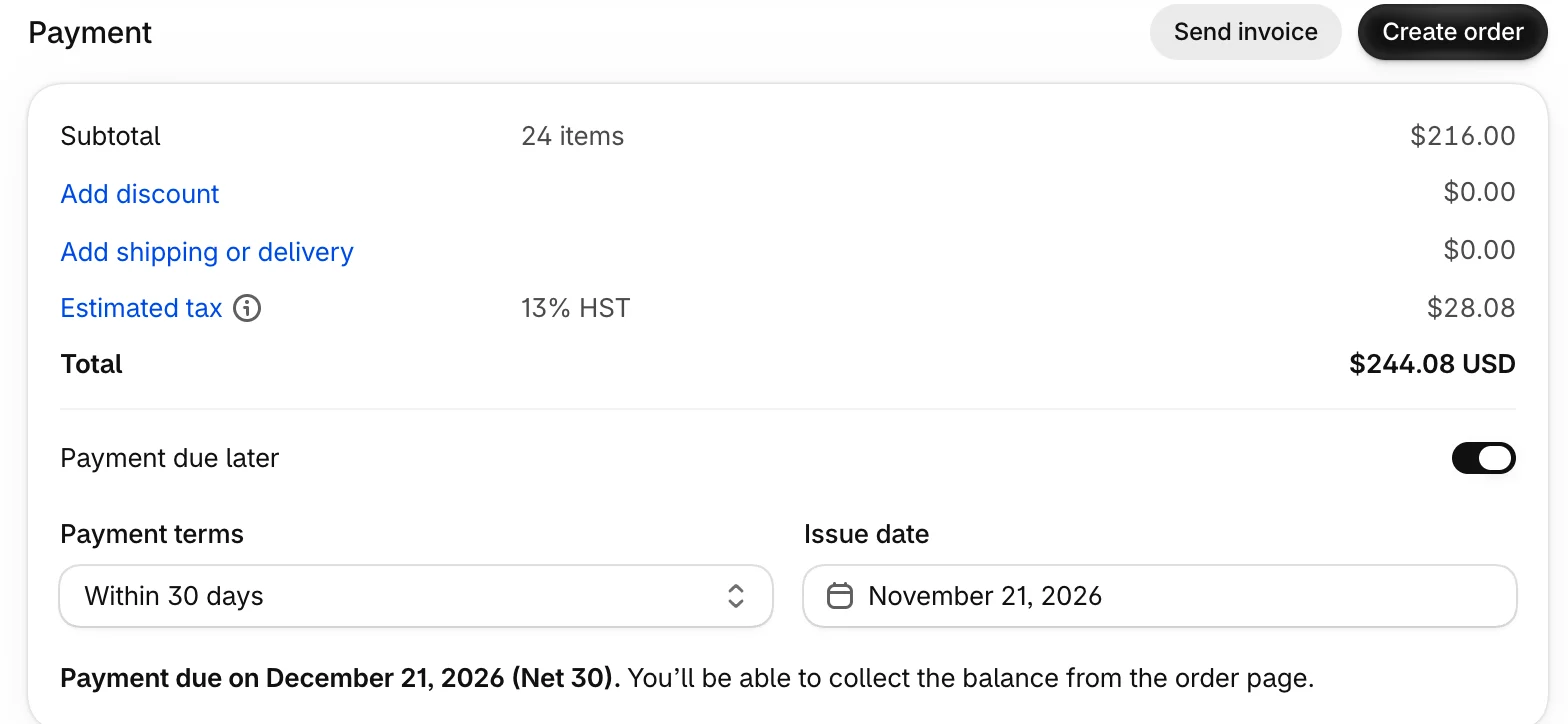
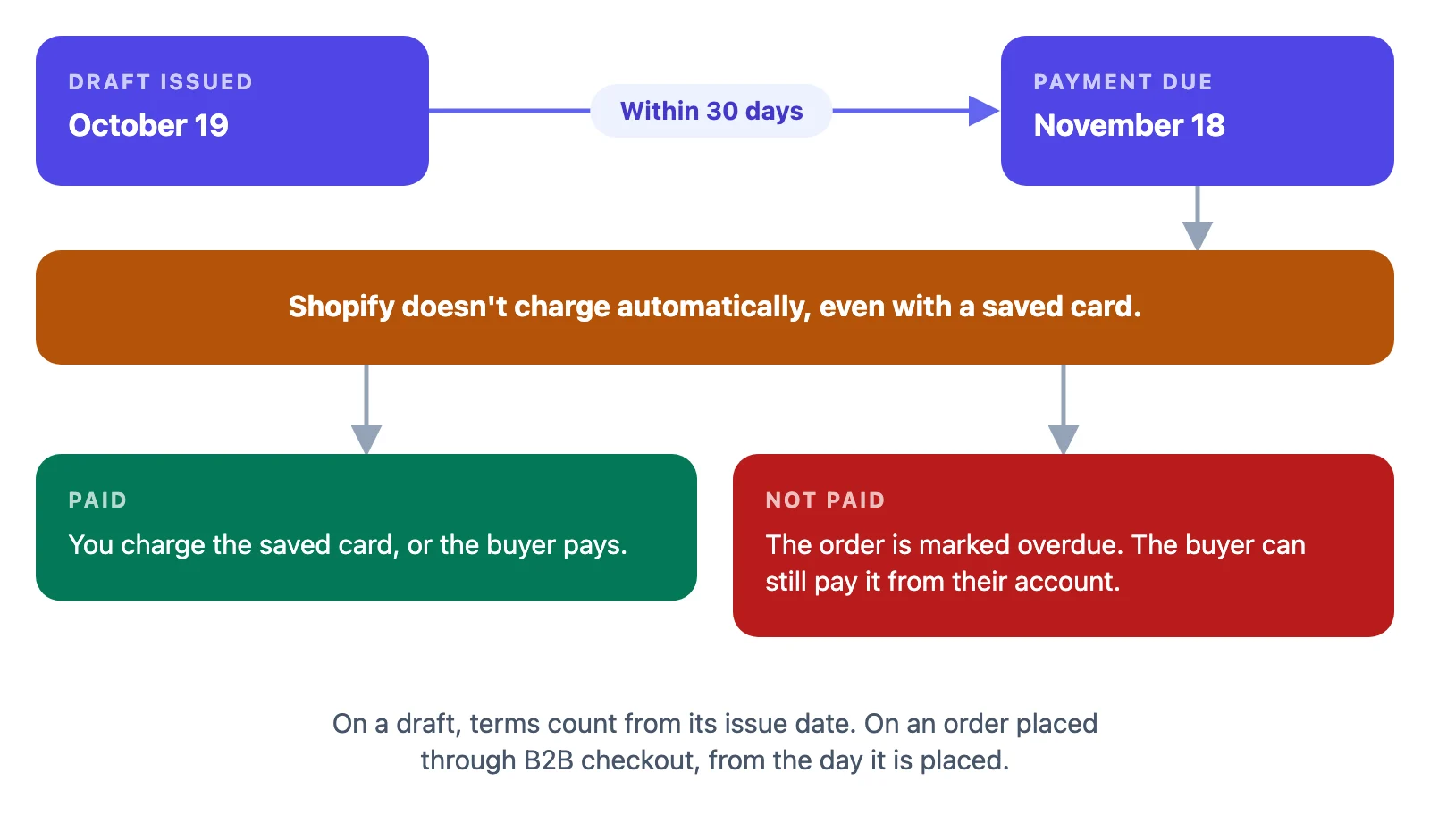
When does Net 30 start? For an order the buyer places through B2B checkout, all terms start from the day the order is placed. On a draft order, net terms count from the draft’s issue date: a draft issued on October 19 with “Within 30 days” fell due on November 18 in our test.
Plans: net terms, draft orders and invoices work on Basic, Grow, Advanced and Plus. Only deposits, partial payments and payment requests per fulfillment are Plus only (more below).
Where you set terms
You can put terms on:
- a company location — the usual place: every order from that location gets them;
- a whole company — applied to all of its locations at once;
- many companies in bulk, from the Companies page;
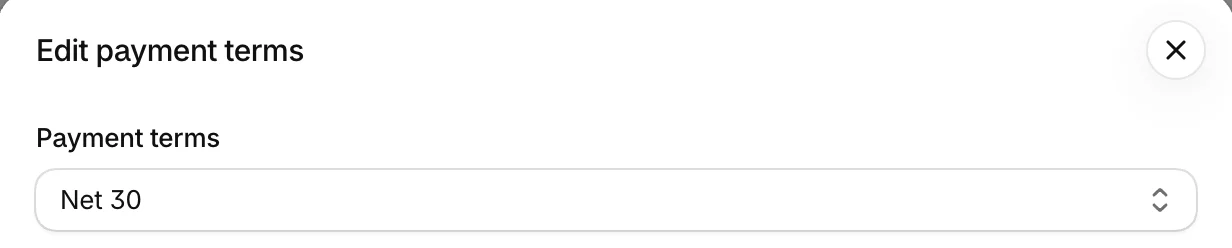
- an individual draft order, under Payment → Payment due later.
Set them where the agreement lives. If a company’s head office has Net 60 but its new branch is on Net 15 until it has a payment history, those are two locations with two terms — which is one more reason to model each site that pays its own invoices as its own location.
What the buyer sees at checkout
With terms on their location, the buyer doesn’t pay at checkout. The checkout tells them which terms they are on, and the button reflects it: Pay now with no terms, Submit with net terms, Submit for approval when the location sends every order to you as a draft for review. The order is created as payment pending, with its due date.
Two settings change the picture:
- Order submission on the location. “Submit all orders as drafts for review” turns every checkout into a request you approve. Even with “Automatically submit orders”, an order without a shipping address is submitted as a draft — the admin says so next to the setting.
- Deposits on Plus, which make the buyer pay part of the total at checkout (see below).
Getting paid
This is where most merchants are surprised.
- Payment is not collected automatically when terms expire. Even if the buyer saved a card, Shopify doesn’t charge it on the due date; you charge it yourself from the order.
- Overdue orders stay payable. After the due date the order is marked Overdue, and the buyer can still pay it from their customer account.
- Payment reminders are available on every B2B plan, so you don’t have to write each reminder yourself.
- Saved cards and ACH (US only) are available on every B2B plan, which makes collecting on the due date a few clicks instead of a phone call.
Put a weekly “due and overdue” review on someone’s calendar. Filter orders by payment status, charge saved cards that are due, and follow up on the rest. Terms without a collection routine are just interest-free loans.
Deposits on Plus
On Shopify Plus, you can require a deposit: a percentage of the order paid at checkout (for example 20%), with the balance due on the location’s terms. You can set a deposit on a company location and on a draft order. Plus also adds partial payments and payment requests per fulfillment, so a large order shipped in parts can be invoiced in parts.
On Basic, Grow and Advanced there is no deposit option: on a Basic store, the location’s payment terms dialog offers only the term itself. If you need money up front below Plus, the usual workarounds are no terms for new accounts, or a draft order for the deposit amount followed by a second one for the balance.
What actually happens: drafts and terms
Three behaviours we hit on test stores that the Help Center doesn’t spell out:
- A location’s terms don’t reach a draft order created through the Admin API. A draft created by an app for a contact at a Net 30 location — with the company, location and contact set — had Payment due later off. If an app or a script creates your drafts, it has to set the terms on the draft itself. Drafts you build by hand: check the Payment section before you send.
- Once the buyer has opened the invoice checkout with terms, the checkout keeps them. We removed the terms from the draft and moved it to a location without terms; the checkout the buyer had opened still said Net 30, and the order was placed on Net 30. To take terms away, send a new draft (a new invoice link) and delete the old one.
- Moving a draft to another location of the same company keeps locked prices, and the checkout follows the new location’s address. It doesn’t follow the new location’s terms if the checkout was already opened (point 2).
Choosing terms per account
Shopify gives you the switches; the policy is yours. A pattern that works for many wholesale businesses:
| Account | Terms | Why |
|---|---|---|
| New, unknown | No terms, or Due on fulfillment | You’re not extending credit before there’s a history |
| Established, small orders | Net 15 or Net 30 | Matches how most buyers run payables |
| Established, large orders | Net 30–60, with a deposit on Plus | Spreads risk on big orders |
| Seasonal / contract | Fixed date on a draft order | Ties payment to the agreed date |
Review terms when an account is late twice: moving a location from Net 30 back to Due on fulfillment is one edit, and every new order picks it up.
Where Shopify stops
When reps build orders for customers, the terms have to land on the order the rep creates — and, as point 1 shows, Shopify doesn’t add them to an app’s draft by itself. Mify FieldB2B can put each company location’s Shopify terms on the draft order behind every quote, and shows them on the quote, its PDF and the quote email, so the customer sees “Net 30” before they check out. See add payment terms to draft orders.
Frequently asked questions
Which payment terms can I give a company location in Shopify B2B? No payment terms, Due on fulfillment, or Net 7, 15, 30, 45, 60 or 90 days. “Due on receipt” and “Fixed date” are available on draft orders only.
Does Shopify charge the buyer automatically when net terms are due? No. Payment isn’t captured automatically when terms expire, even with a saved card. You charge it yourself; an unpaid order is marked overdue and the buyer can still pay it from their account.
Do I need Shopify Plus for net terms? No. Net terms, draft orders, invoices, payment reminders and saved cards work on Basic, Grow, Advanced and Plus. Deposits, partial payments and payment requests per fulfillment are Plus only.
When does Net 30 start counting? For orders placed through B2B checkout, from the day the order is placed. On a draft order, from the issue date set on the draft.