Find and pack gift orders
Every order with gift wrap or a gift message is tagged as soon as it is placed, so your team can find it and see what to pack.
Find gift orders
Orders with gift wrap are tagged gift-wrap, and orders with a gift message are tagged gift-message. An order with both gets both tags.
- In Shopify Orders, filter by tag.
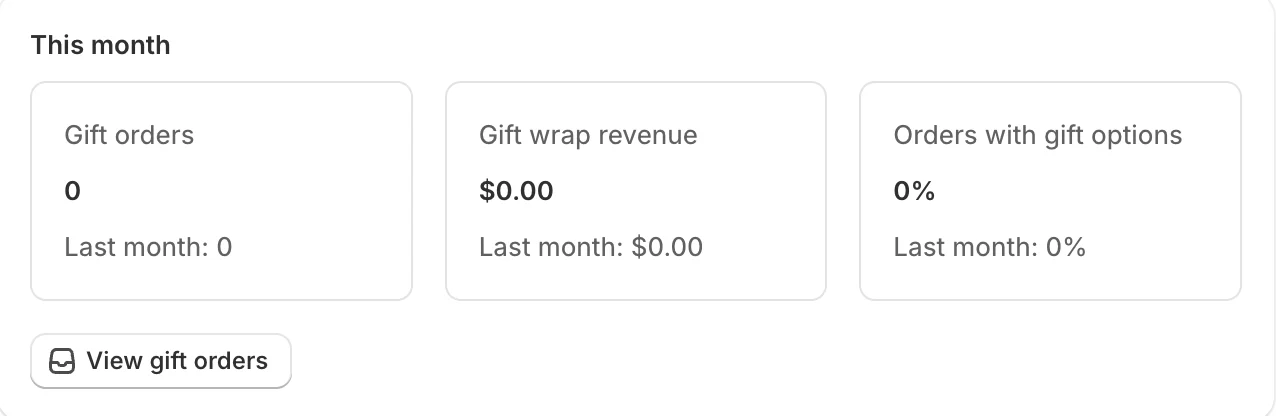
- Or, on the app’s Home, click View gift orders under This month. It opens your Orders list filtered to both tags.
What’s on the order
Wrap for one item. A Gift wrap line appears under the wrapped product. Its variant is the wrap option, for example “Gift box”. Below it you see:
- each choice the shopper picked, for example “Paper: Gold”;
- the message, as To, From and Gift message.
Message without wrap. The To, From and Gift message appear on the product’s own line.
Wrap for the whole order. One Gift wrap line for the order. The order’s message is in Additional details, as Gift to, Gift from and Gift message.
Choices and messages print on packing slips that show line item properties. Choices are written in your store’s main language.
Rename the tags
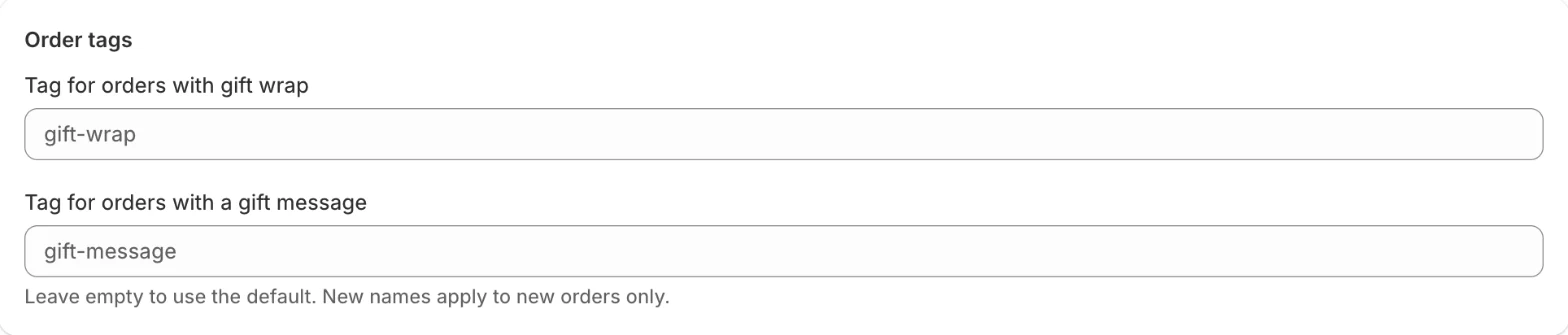
- Open Display and scroll to Order tags.
- Enter your own Tag for orders with gift wrap and Tag for orders with a gift message: up to 40 characters, no commas, and different from each other.
- Save.
Leave a field empty to use the default. New names apply to new orders only; orders already tagged keep their tags.
Numbers on Home
Under This month, Home shows Gift orders, Gift wrap revenue and Orders with gift options (the share of all orders), each compared with last month. Months follow your store’s time zone.