Install the app and set up gift wrap
After you install the app, Home shows a setup guide with three steps. Most stores finish it in a few minutes, without editing theme code.
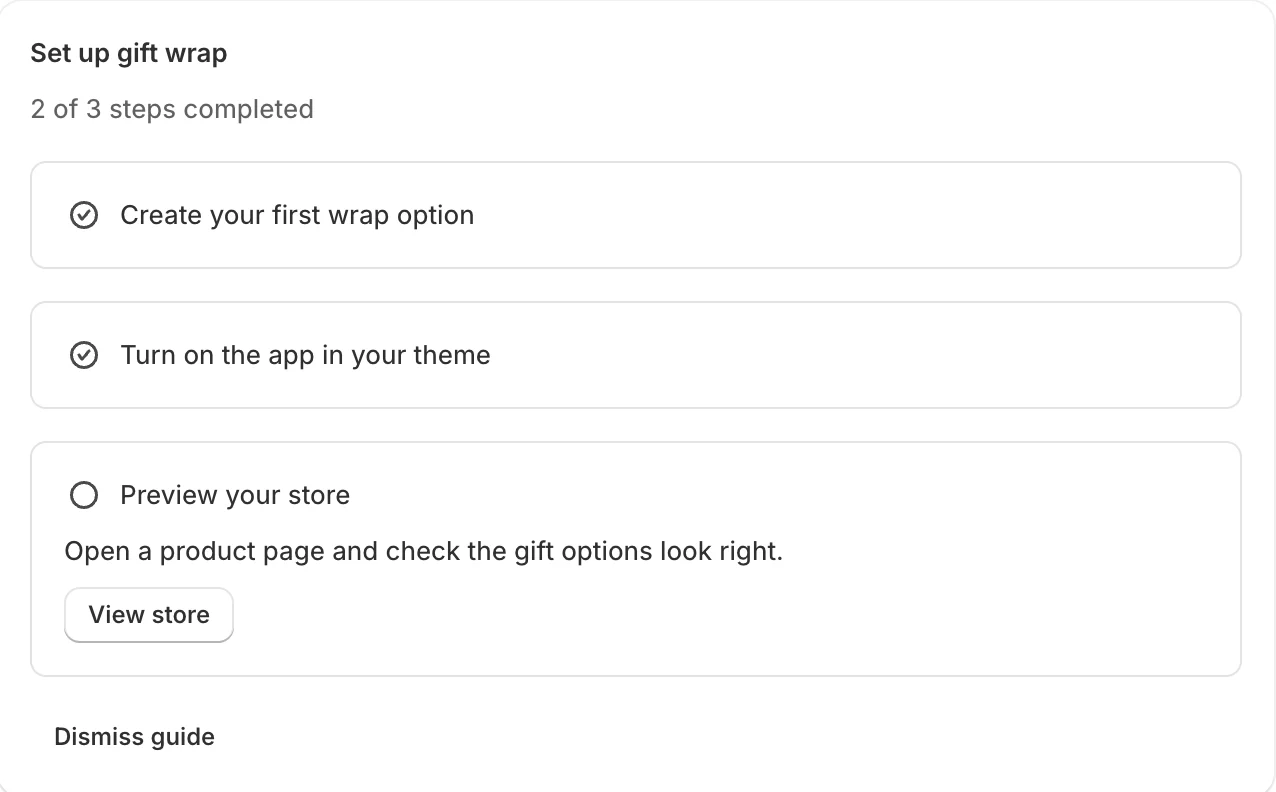
1. Create your first wrap option
- On Home, under Set up gift wrap, click Create wrap option.
- On Wrap options, click Use template. This adds a ready-made Gift box with a picture, a Paper choice with six papers and an optional Occasion choice, at a suggested price.
- Open the option to change its name, price and pictures. See Create a wrap option.
2. Turn on the app in your theme
Gift options show on your store only while the Gift wrap app embed is on.
- On Home, under Turn on the app in your theme, click Open theme editor.
- The theme editor opens with Gift wrap already switched on under App embeds. Click Save.
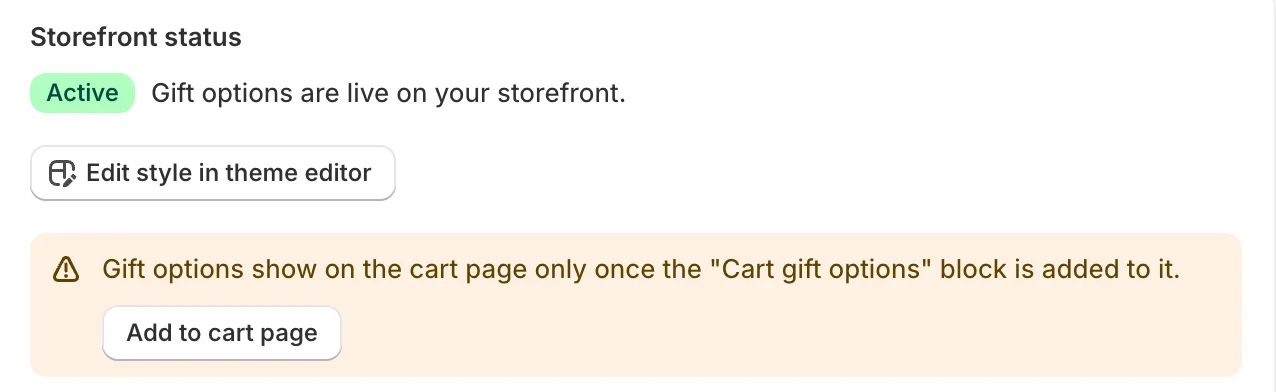
Back on Home, the Storefront status card shows Active and “Gift options are live on your storefront.” If it says the app embed is off, click Activate in theme editor and save again.
3. Preview your store
Click View store on the last step, open a product page and check that the gift options look right. Product pages show them automatically, just before Add to cart.
The cart page needs one more step: add the Cart gift options block. See Choose where gift options show.
The “Gift wrap” product
When you save your first wrap option, the app creates an unlisted product called Gift wrap in your store. Each wrap option is a variant of it, so price, taxes and sales reports work like any other product. Shoppers can’t find it in search or collections.
Don’t edit or delete this product. If it is changed outside the app, Home shows “The gift wrap product needs repair” with a Repair button that puts it back.
Related
Related articles
- Plans and early accessDuring early access every feature of the app is free, and your store keeps it free for as long as the app stays installed.
- Create a wrap optionAdd a wrap option from the gift box template or from scratch, set its name, price and image, and duplicate, reorder or delete options.
- Choose which products offer gift wrapOffer gift options on all products, only on selected products, collections or tags, or on all products except some.