Import SKUs or barcodes from a CSV
If you already have SKUs or barcodes, for example from a supplier, import them instead of generating new ones. Unlike the generators, an import can replace a value that’s already there.
Import a file
- Open Barcode Labels → Generate SKUs (card Import your own SKUs) or Generate Barcodes (card Import your own barcodes).
- Click Download variant CSV. You get every variant in your store, one per row.
- Fill in the newSku or newBarcode column only for the variants you want to change. Leave the other rows blank and don’t change the headers.
- Save the file as CSV UTF-8, then click Add file or drop it on the card.
- Check the preview: how many rows are to apply, skipped and rejected, the current and new value for each change, and the reason for each rejected line.
- Click Apply.
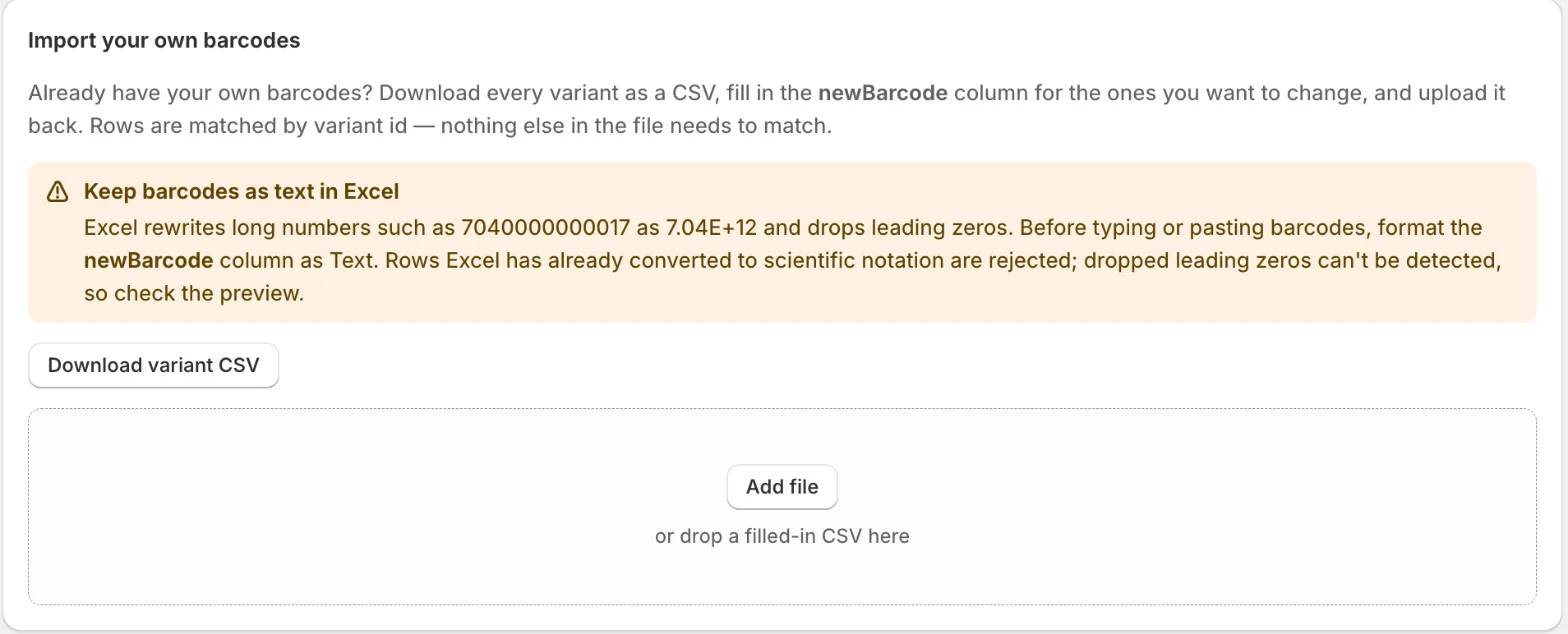
Rows are matched by variantId; nothing else in the file has to match. A file can have up to 2,500 rows, separated by commas or semicolons. Each import is a batch you can undo from Barcode Labels → History.
Skipped and rejected rows
- Skipped: the new value is blank, or the same as the current one.
- Rejected: the variantId is missing or not valid, the variant isn’t in your shop, the same new value is on more than one row, the value is already used by another variant, or a barcode looks like a number Excel rewrote in scientific notation.
Imported barcodes are saved as you typed them; the app doesn’t check them against a GTIN format.
Excel and barcodes
Excel turns long numbers such as 7040000000017 into 7.04E+12 and drops leading zeros. Format the newBarcode column as Text before you type or paste. Rows in scientific notation are rejected, but lost leading zeros can’t be detected, so check the preview before you apply.
Related
Related articles
- Find duplicate SKUs and barcodesSee every barcode and SKU that more than one variant shares, so a scan always finds the right product, and print labels once they're fixed.
- Generate missing SKUsSet a SKU rule with a prefix, separator and counter, preview it, then fill every empty SKU or only the variants you pick. Each run can be undone.
- Generate missing barcodesCreate valid GTIN-13, GTIN-12 or GTIN-8 barcodes for variants that have none, with your GS1 company prefix, a live preview and per-run undo.