Choose a company mode: Shopify B2B sync or app-managed
Reps sell to companies and their contacts. FieldB2B can get those companies from two places, and you choose one before you can manage companies.
The two modes
Shopify B2B: companies come from your Shopify admin.
- It needs Shopify Plus with B2B enabled. Without it, choosing this mode shows “Shopify B2B is not available on your store. This feature requires Shopify Plus with B2B enabled.”
- Reps see each company’s Shopify B2B prices.
- You add, edit and remove companies in Shopify, not in the app.
Manage in App: you create companies in FieldB2B.
- It works on any Shopify plan.
- Each company can have a Default discount (%) off your normal prices, for example 20 for 20% off retail.
- You can import Shopify customers as a company’s contacts.
Choose a mode
- Open Settings in the app.
- Under B2B Company Management, click Use Shopify B2B or Manage in App. The mode in use shows an Active badge.
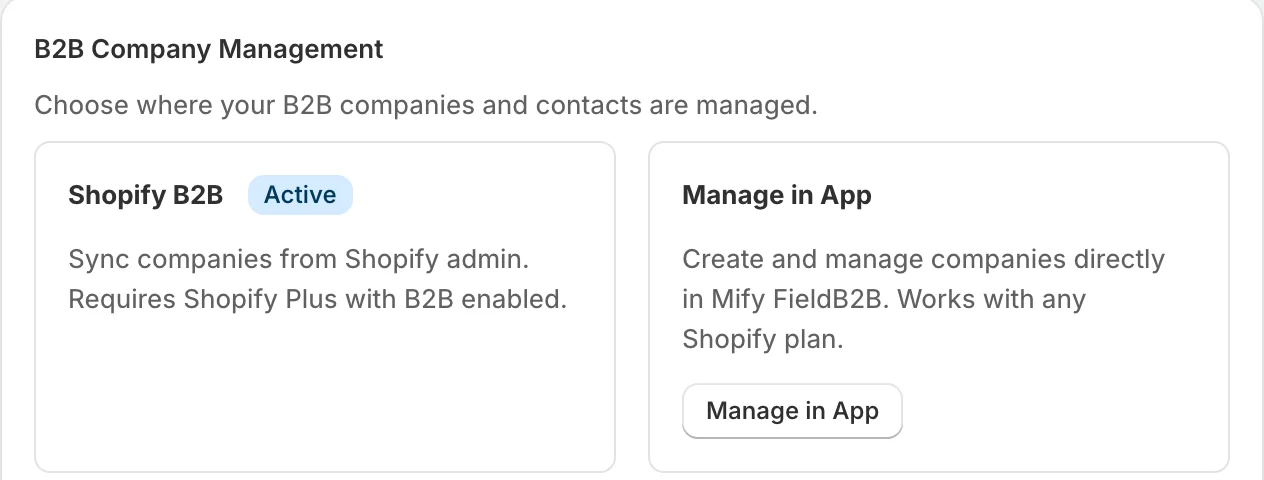
Until you choose, the Companies page asks you to “choose your B2B company mode before managing companies”.
What Shopify B2B mode syncs
Click Sync from Shopify on the Companies or Assignments page to pull the latest data. What gets synced? under the button lists it:
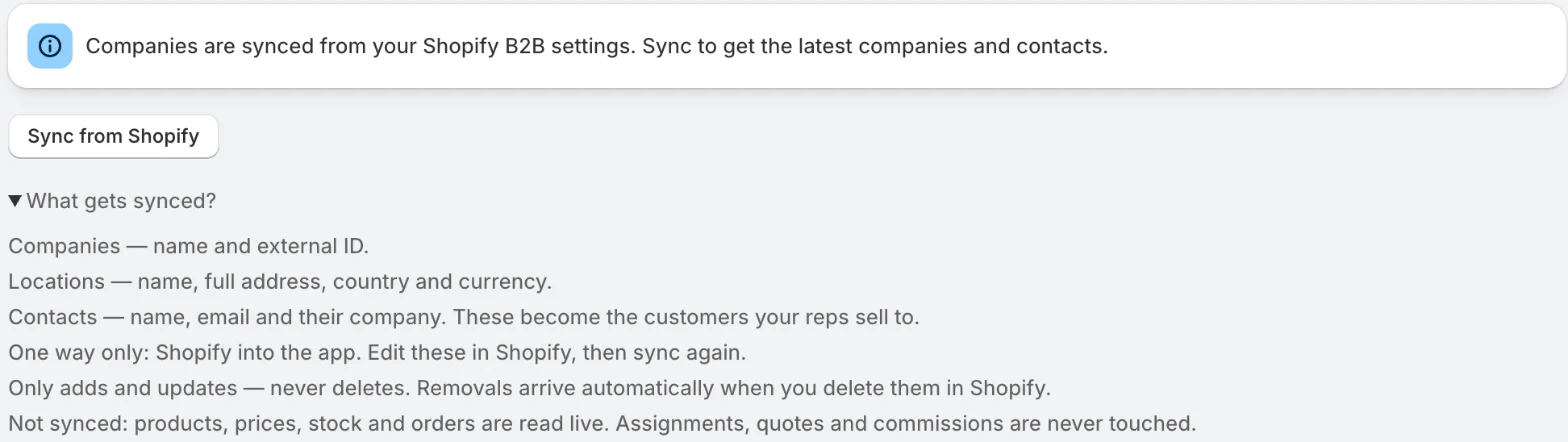
- Companies: name and external ID.
- Locations: name, full address, country and currency.
- Contacts: name, email and their company. These are the customers your reps sell to.
Sync is one way only: from Shopify into the app. It only adds and updates. Companies you delete in Shopify are removed automatically.
Products, prices, stock and orders are not copied; the portal reads them live from Shopify. Sync never touches your assignments, quotes or commissions.
Next step
Assign reps to companies so each rep can see the accounts they look after.
Related articles
- Assign reps to companiesGive each sales rep the companies they look after, so those accounts appear in the rep's portal.
- Install FieldB2B and choose a planInstall Mify FieldB2B from the Shopify App Store and choose a plan, which you need to do before you can use the app.
- Add a sales rep and give them accessCreate a sales rep in FieldB2B, set their commission and discount limit, and share their login.