How commissions are calculated (pending, confirmed, clawback)
FieldB2B works out each rep’s commission on its own when a quote turns into a paid order. You see every commission on the Commissions page in the app, and each rep sees their own under Commissions in the portal.
Which rate is used
- The rep’s own Commission rate (%), if you set one on the rep.
- Otherwise, the store’s default commission rate from Settings.
- If neither is set, the rate is 0 and no commission is created.
How the amount is worked out
Commission = the order’s total in Shopify × the rate.
For example, a $1,000 order at 5% earns $50.
When it’s created, and when it counts
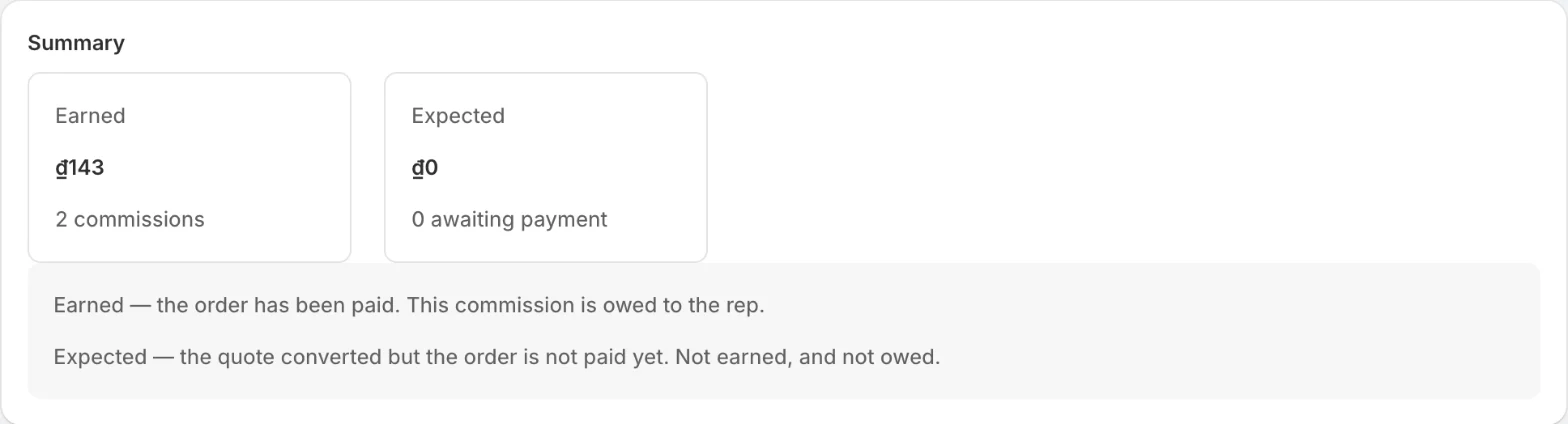
- Pending: created when the customer completes checkout on the quote and the draft order becomes an order. The quote shows Converted at the same time.
- Confirmed: when the order is paid in Shopify. Only confirmed commissions count as earned.
On the Commissions page in the app, confirmed commissions add up under Earned and pending ones under Expected.
If the order is already paid when it’s created, the commission starts as confirmed.
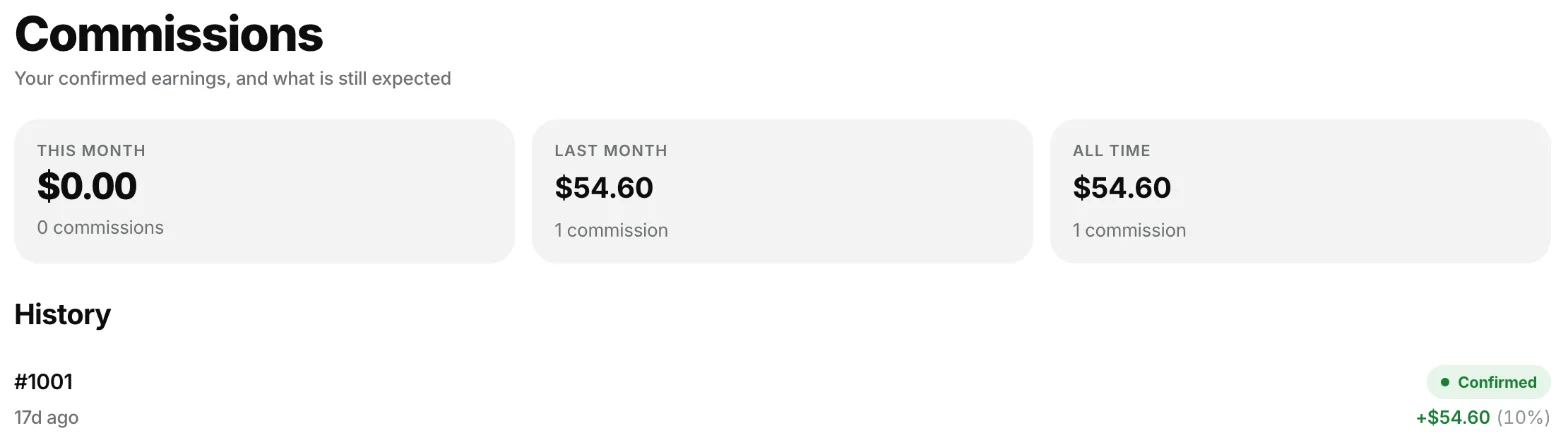
Reps see their own totals for this month, last month and all time, and each commission with its status.
Cancellations and refunds
- If the order is cancelled while the commission is still pending, the commission is voided. Nothing was earned, so nothing is taken back.
- If the order is cancelled or refunded after the commission was confirmed, FieldB2B adds a clawback: a negative entry in proportion to the amount refunded. A 50% refund takes back half the commission.
Managers
If the rep reports to a manager with an override rate, the manager also earns an override on the same order, added on top of the rep’s commission. A cancellation or refund reverses the override along with the rep’s commission.